

October 5, 2026
Google Workspace for cold email · sort your list by mail provider before you shop inboxes
In the same campaigns, Microsoft 365 recipients replied 0.38x as often as Google Workspace recipients, across 327,273 leads. Check who you're mailing first. Then price Zapmail, Inboxkit, or Premium Inboxes.
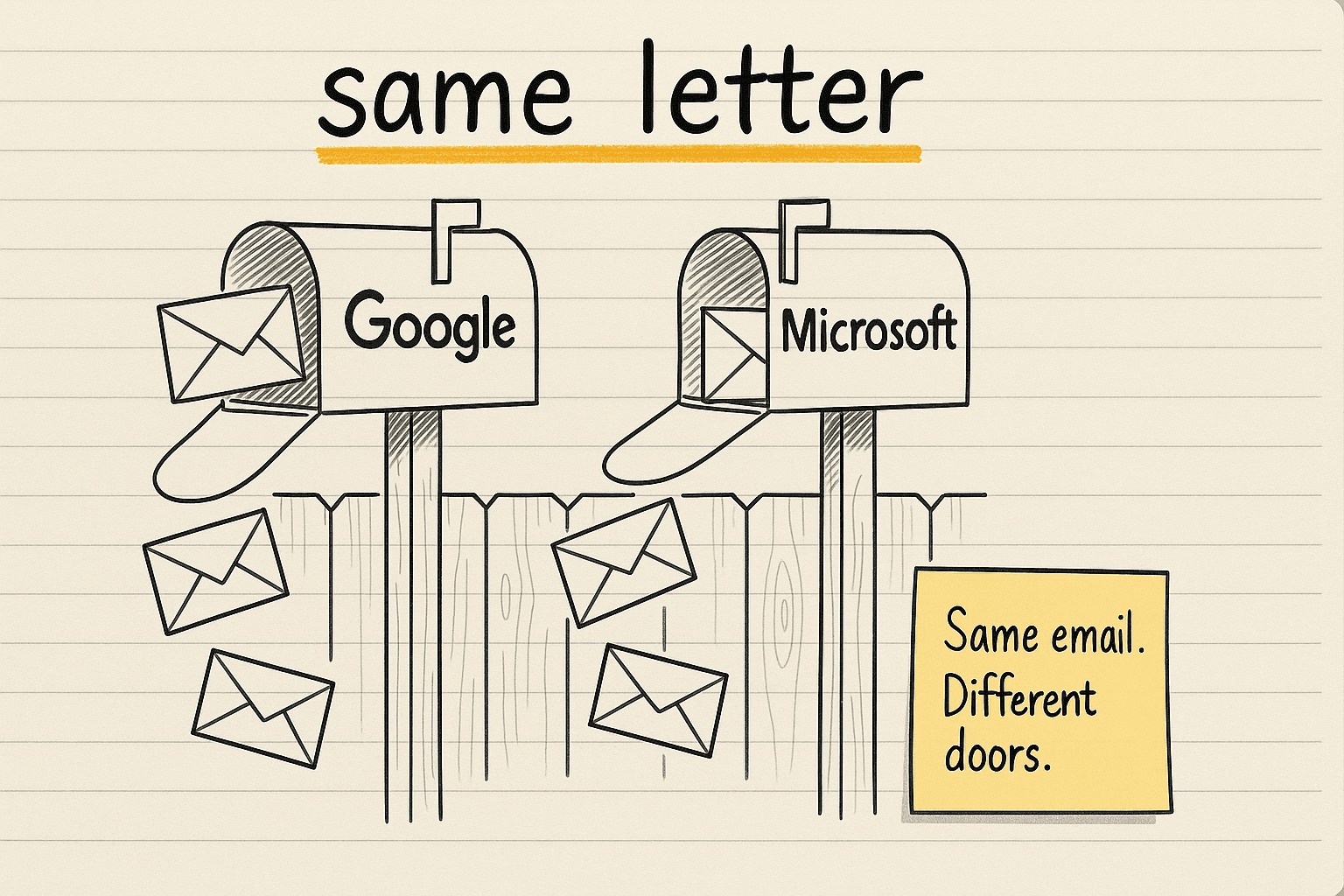
Here's the most useful number for anyone buying Google Workspace inboxes for cold email. In the same campaigns, Microsoft 365 recipients replied 0.38x as often as Google Workspace recipients. That held across 327,273 leads.
So sort your list by the recipient's mail provider before you shop inbox prices. Who you're mailing can move your cost per lead more than the price of the inbox you send from.
Most advice argues about the sender instead. Benny Rubin posted on LinkedIn in 2023 that his team sends millions of cold emails a month and none of them from Google.
Google doesn't want you there so we don't send from there.
Two years later Malik Shamsuddin pointed at the filters on the other end. In his view Google is easy and Microsoft is brutal.
If your emails are landing in Gmail but dying in Outlook, you're not crazy. It's two completely different filtering systems.
Both are strong opinions with no numbers behind them. The 0.38x figure comes with numbers.
Where the 0.38x comes from
ReplyLead is a lead-gen agency. In September 2026, Mark Glazer published its campaign book: 327,273 contacted leads across 97 campaigns, sent between April and September 2026.
They tagged every lead by the company that runs its email. That's the recipient's mail provider. You can find it in the domain's MX record, the public DNS entry that says which company handles a domain's mail.
Then they compared people inside the same campaigns. Each campaign used one pool of senders and one set of emails for both groups.
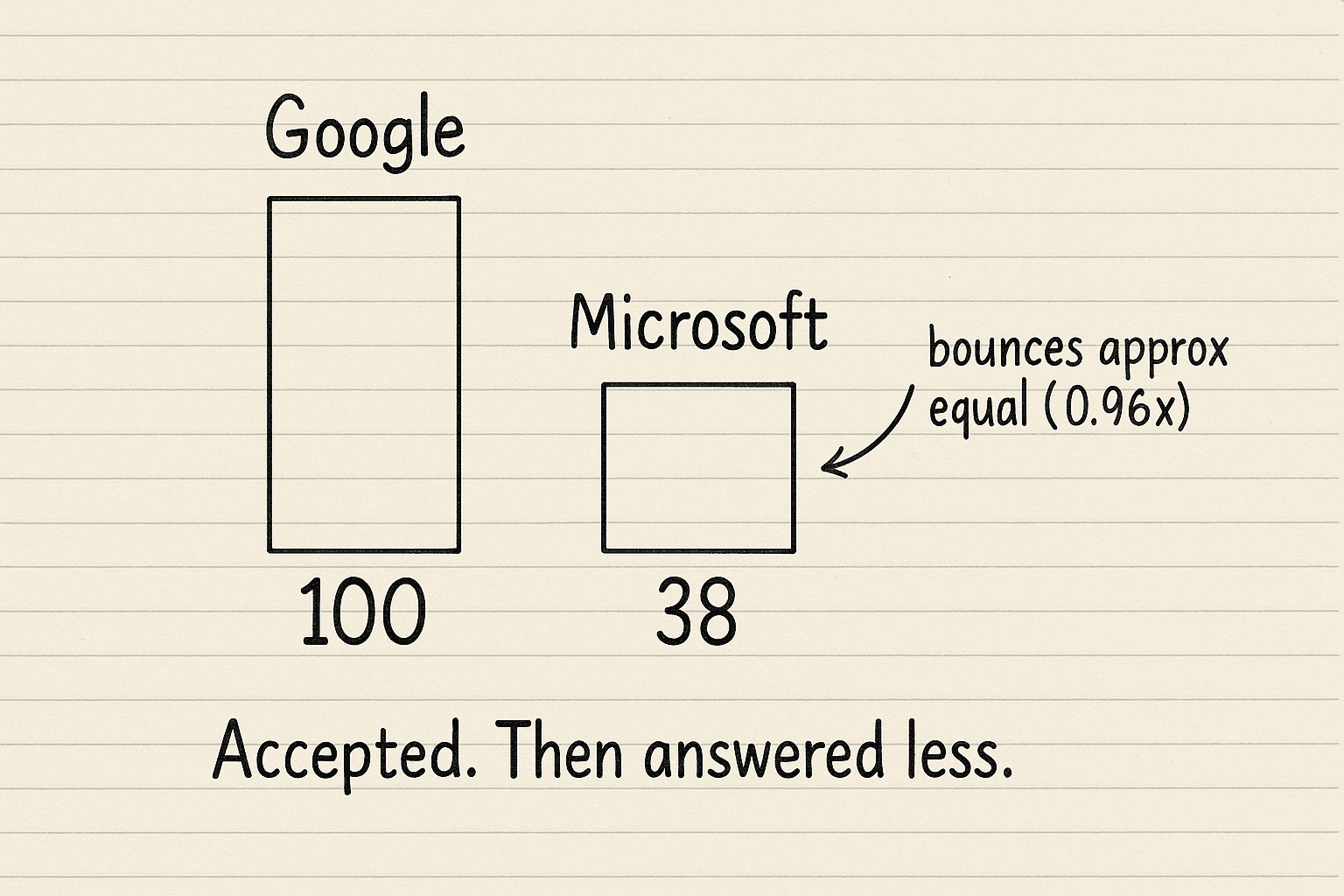
Microsoft 365 recipients replied 0.38x as often as Google Workspace recipients. In plain numbers, for every 100 replies from Google-hosted people, Microsoft-hosted people sent about 38. The gap showed up in all 4 client programs when they checked each one alone.
Bounces barely moved. Microsoft recipients bounced 0.96x as often as Google recipients. So the servers accepted the mail. People just answered it far less, or it landed in a folder nobody opens.
Keep two limits in mind. This is one agency's own book, and that agency sells outbound. Auto-replies also count as replies. The stricter signal is "marked interested," and there Microsoft recipients came in at 0.41x.
What that does to cost per interested lead
ReplyLead published the raw counts as a public spreadsheet. Here are the pooled rows.
Google Workspace recipients: 131,148 people contacted. 5,106 replied, which is 3.89%. 436 were marked interested.
Microsoft 365 recipients: 142,210 people contacted. 2,280 replied, which is 1.60%. 119 were marked interested.
Divide it out. It took about 301 Google-hosted contacts to get one interested lead. On the Microsoft side it took about 1,195.
That pooled gap is about 4x, and it blends different campaigns together. The fairer read uses the same-campaign number. Interested came in at 0.41x, so you need about 2.4x more Microsoft-hosted contacts for each interested lead.
In this book, Microsoft-hosted people made up about 43% of everyone contacted. Mail a list like that as one campaign and the blended reply rate quietly hides how weak that slice is.
Inbox price is the smaller lever
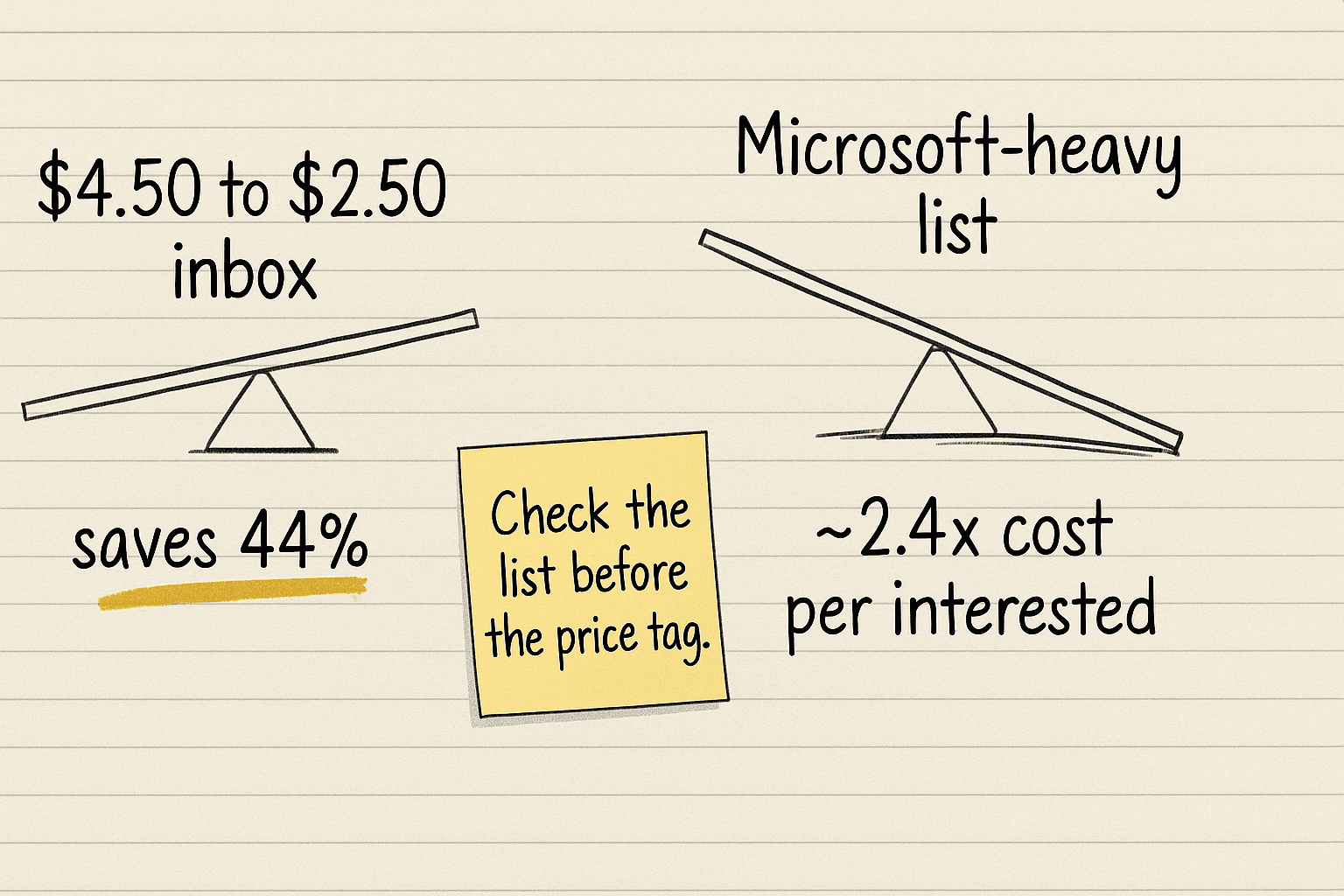
Most teams start by shopping inbox price. Premium Inboxes charges $4.50 a month for an insured mailbox. Inboxkit charges $2.50 a month on annual billing. Switching saves 44% on the mailbox line.
The recipient mix moves cost per interested lead by about 2.4x. That swing is far bigger than 44%, and checking it costs you nothing.
So sort the list first. Shop for boxes second.
Jed Mahrle named the habit on LinkedIn in 2025.
Most sales teams send the same email volume, length, and format to everyone. No matter which system the company uses. That's a mistake.
Split the list by mail provider
Here's the routine.
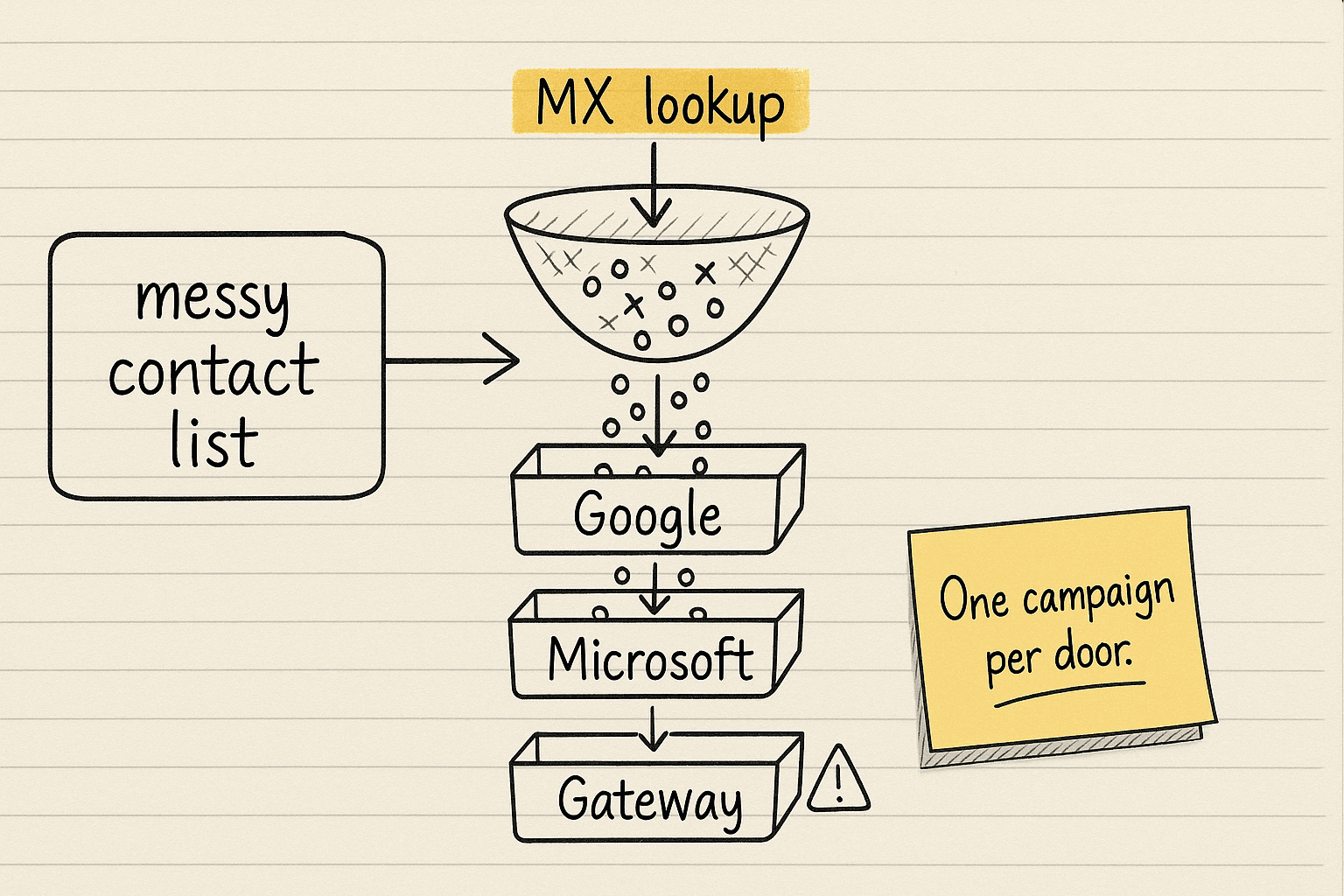
- Pull the unique company domains from your list.
- Look up each domain's MX record once. One lookup covers every lead at that company.
- Tag each lead as Google, Microsoft, or gateway. A security gateway is a filter like Proofpoint or Mimecast that checks a company's mail before it reaches the inbox.
- Load each group as its own campaign in your sequencer, the tool that sends the email steps over several days.
- Read reply rates per group. Skip the blended number.
Give the gateway group its own watch. In ReplyLead's data, gateway recipients bounced 3.51x as often as everyone else in the same campaigns, while they replied slightly more (1.14x). Gateways also differ a lot from each other. Mimecast recipients bounced 15.26% of the time across 3,610 people. Proofpoint recipients bounced 1.93% across 12,145. A small Mimecast-heavy slice can hurt your sending domain while the average looks fine.
Then buy the boxes and price year two
Once the list is sorted, the inbox buy gets simple. Here's 30 Google mailboxes at today's printed prices, before domains and the sequencer.
- Inboxkit on annual billing: 30 × $2.50 = $75 a month. Google and Microsoft mailboxes cost the same.
- Zapmail Growth: $99 a month, which includes 30 mailboxes.
- Premium Inboxes Standard: 30 × $3.50 = $105 a month. The insured tier comes to $135.
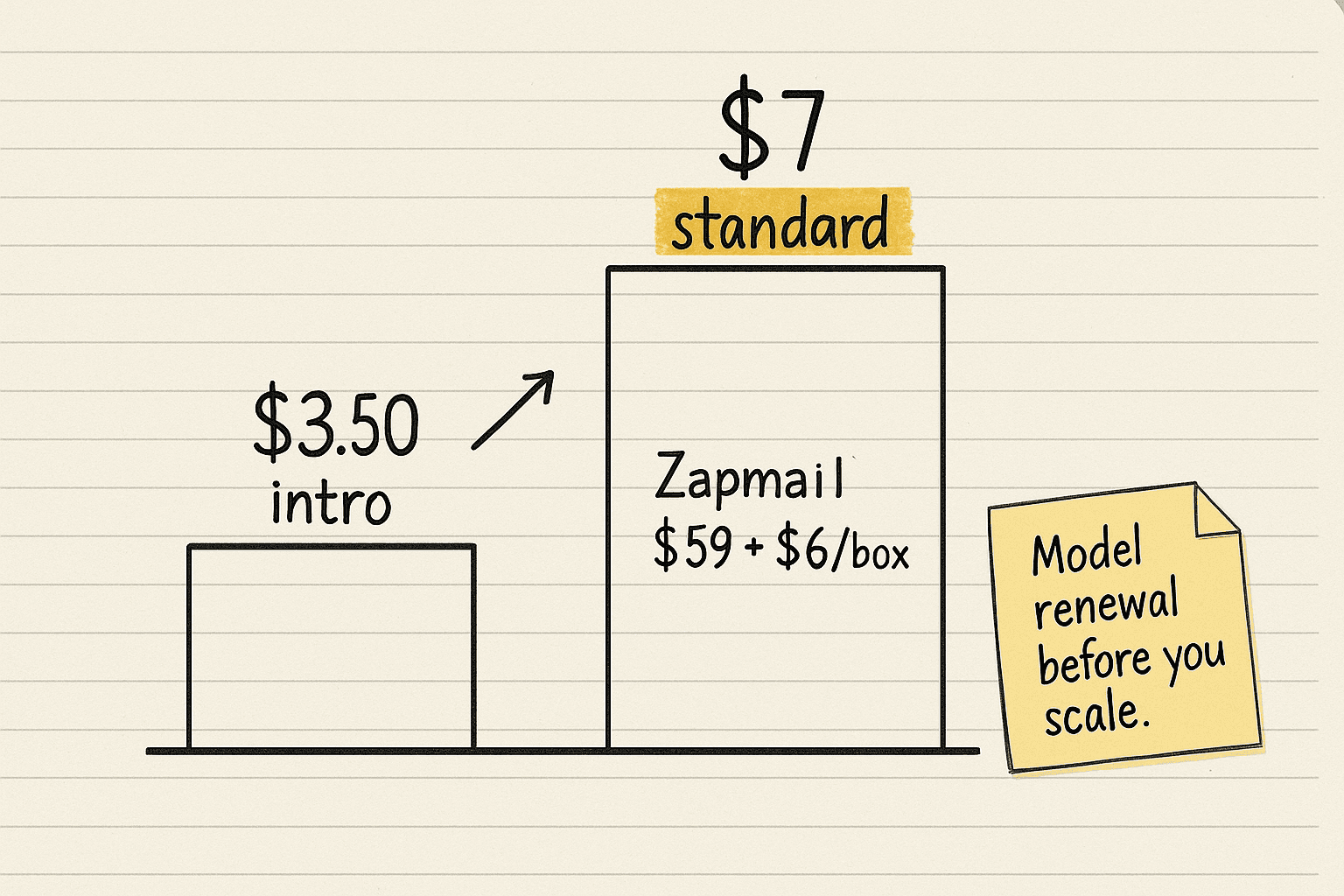
Year two is where budgets break. Google's own pricing page sells Business Starter at a $3.50 intro price that later becomes $7 per user. The intro price only applies to new customers, for the first 20 users, for 12 months.
Zapmail's help center says it passes that same step on to you. After 12 months, its Starter plan moves from $39 a month to $59 a month plus $6 per mailbox. Ask Zapmail how that lands on your mailbox count before you scale past 20 boxes.
Daily volume needs a number too. Google's headline limit for a Workspace account is 2,000 emails a day. Premium Inboxes says on its site that more than 15 cold emails per inbox per day triggers throttling from Google and Microsoft. Read that as their rule of thumb. Their calculator follows it. It prices 500 emails a day on Google at $119 a month, which works out to 34 inboxes at $3.50 each. Your fleet size is your daily sends divided by the per-inbox number you trust.
One more cost sits in the fine print. Google's Acceptable Use Policy names unsolicited mass email. Cold outreach from Workspace carries a policy risk you accept when you buy, and there's no public ban rate to plan around.
What to do this week
- Sort your list by the recipient's mail provider before you compare inbox prices.
- Run Google, Microsoft, and gateway leads as separate campaigns. Report replies per group.
- For mailboxes live in minutes, open Zapmail. Write down the year-two price first.
- For one flat price on Google or Microsoft boxes, open Inboxkit.
- For done-for-you setup with insured boxes, open Premium Inboxes.
- Send through Smartlead, one campaign per group.
The line to bring to your next pipeline review: "Our Microsoft-hosted segment costs about 2.4x more per interested lead, so we run it as its own campaign."
Next · Inbox providers compares mailbox sellers · Google and Microsoft direct covers buying mailboxes yourself · Inboxkit vs Zapmail compares two sellers you can sign up for on your own.